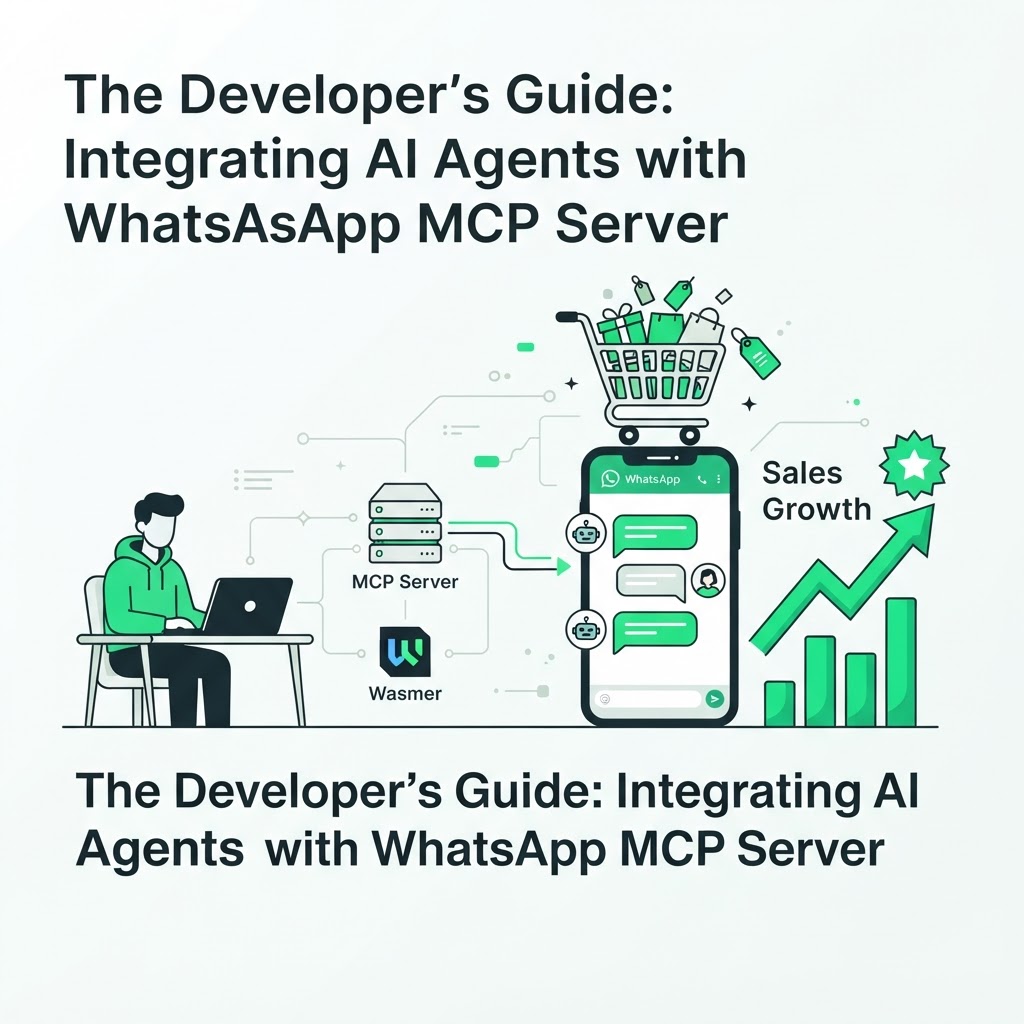
The Developer’s Guide: Integrating AI Agents with WhatsApp MCP Server
For developers and store owners looking to bridge the gap between AI assistants and customer communication, the Model Context Protocol (MCP) has become the gold standard. A WhatsApp MCP server gives your AI agent a structured, secure way to pull real-time data from Shopify or WooCommerce while chatting with customers. In this guide, we walk through setting up a robust WhatsApp MCP server using the Wasmer infrastructure, and the design decisions that separate a fragile prototype from a production-ready system.
Why MCP Matters for WhatsApp AI Agents
The challenge with most AI chatbots is context management. They can generate fluent text, but they often lack the ability to fetch inventory levels, check order statuses, or verify a discount code in real time. Without that connection, every conversation risks giving customers outdated or incorrect information.
An MCP server solves this by acting as a translation layer between your AI model and your store's data sources. Instead of hardcoding every possible answer, you expose a set of tools — "get order status," "check stock," "issue refund" — that the agent can call on demand. This turns a generic chatbot into a WhatsApp agent that behaves like a real support rep with live access to your backend.
Setting Up Your Environment
Before writing any agent logic, you need a stable foundation. The setup generally follows four stages:
- Installation: Install the Wasmer runtime on your development machine or server. This gives you a lightweight, sandboxed environment to run your MCP middleware without bloating your main application.
- Configuration: Define your Shopify or WooCommerce API credentials, along with your WhatsApp Business API tokens, in your MCP configuration file. Keep these in environment variables rather than hardcoded strings.
- Tool definition: Map out the specific functions your agent will need — order lookup, inventory check, cart recovery, refund processing — and register each as a callable tool inside the MCP server.
- Deployment: Connect the Wasmer middleware to your existing WhatsApp Business API endpoint, then run a staging test with a handful of real orders before going live.
If you'd rather skip the infrastructure work entirely, the Wasmer-based WhatsApp MCP middleware is built specifically for this use case and handles most of the plumbing described above.
Key Benefits of This Architecture
Building on MCP instead of a monolithic chatbot script pays off as your store scales. The architecture gives you:
- Scalability: By offloading processing to the MCP layer, your agent remains lightweight and can handle traffic spikes without rewriting core logic.
- Customization: You can tailor the agent's behavior for business logic unique to your store, such as loyalty tiers, subscription renewals, or region-specific shipping rules.
- Security: Sensitive data stays behind a protected middleware layer instead of being exposed directly to the AI model or stored in chat logs.
- Maintainability: Updating a single tool definition (say, how refunds are processed) propagates everywhere the agent uses that tool, without touching the conversational layer.
This separation of concerns is also why many teams pair an MCP server with a dedicated conversational layer, like an AI store agent that answers customers on WhatsApp, rather than building both from scratch.
Designing Agent Logic for E-commerce Use Cases
Once the plumbing works, the real engineering happens in how you design the agent's decision-making. A few practical guidelines:
- Keep each tool narrow and single-purpose. A tool that "does everything" is harder to debug and more likely to return ambiguous results to the model.
- Always validate the customer's identity (phone number, order number, or email) before exposing order details or processing a refund.
- Log every tool call with timestamps and parameters, separate from the raw conversation transcript, so you can audit agent behavior later.
- Set hard limits on what the agent can do autonomously — for example, allow it to answer questions and recover abandoned carts, but require human approval for refunds above a certain value.
These guardrails matter more than they seem. An agent that can check inventory but accidentally promises stock that isn't there will damage trust faster than a slow human reply.
Troubleshooting Common Pitfalls
When integrating, focus on maintaining clean communication between your store's webhooks and the MCP agent. Most production issues fall into a short list of predictable failures:
- Token expiration: Ensure token expiration for the WhatsApp Business API is handled gracefully by your middleware, with automatic refresh logic, to prevent service interruptions mid-conversation.
- Webhook race conditions: If your store sends multiple webhooks in quick succession (order updated, then fulfilled), make sure your MCP server processes them in order rather than overwriting fresher data with stale data.
- Rate limiting: WhatsApp Business API enforces messaging limits; build a queue so bulk notifications don't get throttled or dropped.
- Silent failures: Always return a fallback message to the customer if a tool call fails, instead of leaving the conversation hanging.
Testing with real but low-stakes orders before a full rollout will surface most of these issues early.
Future-Proof Your Store with WhatsApp MCP Server Integration
Integrating AI agents is no longer a luxury; it's becoming standard practice for competitive e-commerce. Stores that connect their agents to live data through a WhatsApp MCP server can recover abandoned carts, answer product questions, and process simple requests without adding headcount. Those still relying on static chatbot scripts will increasingly look slow and disconnected by comparison.
If you're also running paid traffic, it's worth pairing this kind of automation with visibility into how that traffic actually converts — an AI marketing audit for Google Ads, GA4 and Search Console can reveal where leads are dropping off before they even reach your WhatsApp agent. For more implementation guides like this one, browse the CartKeeper blog.
FAQ
Do I need to build my own MCP server from scratch?
Not necessarily. You can build a custom server if you have specific infrastructure requirements, but most stores save significant development time by using an existing WhatsApp MCP middleware that already handles authentication, tool registration, and WhatsApp Business API connections.
What's the difference between an MCP server and a regular chatbot script?
A regular chatbot script usually has fixed responses or limited API calls hardcoded into its logic. An MCP server exposes modular tools that an AI agent can call dynamically during a conversation, which makes it far easier to add new capabilities without rewriting the entire bot.
How do I keep customer data secure when using an AI agent on WhatsApp?
Keep sensitive operations behind the MCP middleware rather than exposing database credentials to the AI model directly, enforce identity verification before sharing order details, and log every tool call separately from conversation transcripts for auditing.
Ready to connect your store's data to a WhatsApp AI agent that actually recovers sales? Get started with CartKeeper AI and turn abandoned carts into completed orders.