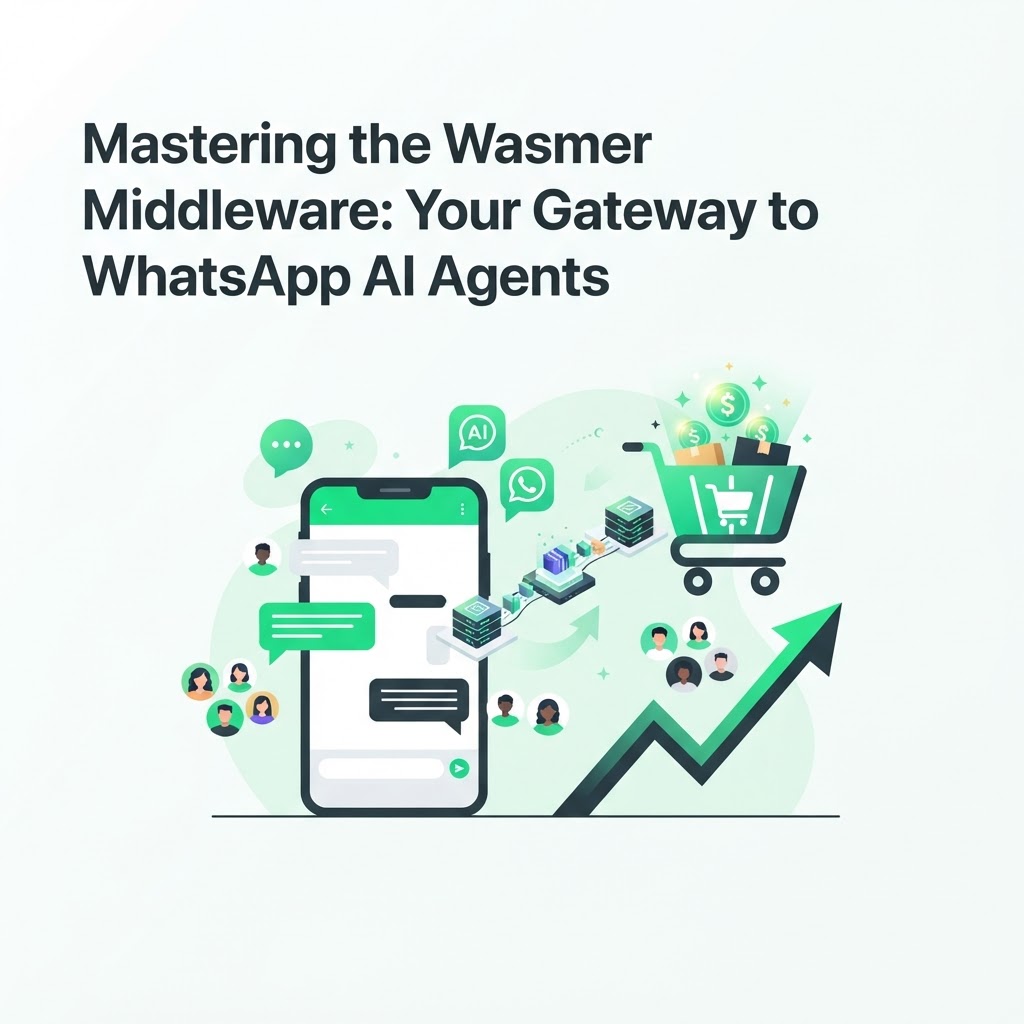
Mastering the Wasmer Middleware: Your Gateway to WhatsApp AI Agents
For developers building the next generation of commerce bots, the challenge is connectivity. How do you link your powerful AI logic to a platform as robust as WhatsApp? The Wasmer MCP (Model Context Protocol) server solves this by acting as the translation layer between your AI models and the WhatsApp Business API, giving you a production-ready WhatsApp AI agent integration without reinventing the wheel.
Understanding the MCP Advantage
The Model Context Protocol provides a standard way to connect AI assistants to external systems, tools and data sources. Instead of writing custom glue code for every LLM provider or messaging channel, MCP defines a shared language that any compliant client and server can speak.
Using Wasmer, you can compile that protocol into a high-performance middleware that translates WhatsApp API calls into LLM-understandable contexts, and vice versa. The result is a thin, portable layer that sits between your model and the messaging platform, so your AI logic never has to know the raw details of webhook payloads, message templates or media handling.
This matters because WhatsApp's API was built for human-to-business messaging, not for feeding structured context to a language model. A well-built MCP server normalizes incoming messages, attaches relevant metadata (customer history, cart state, order status) and hands the model a clean, consistent payload it can reason over.
Building Your WhatsApp AI Agent Integration
To build a robust integration, focus on three pillars:
- Reliability: Ensure your middleware handles API rate limits gracefully, retries failed deliveries, and queues messages when WhatsApp enforces throughput caps.
- Security: Manage user consent and data handling in compliance with privacy regulations, encrypting stored conversation data and scoping access tokens narrowly.
- Speed: Use lightweight Wasmer runtimes to minimize latency, since every extra second between a customer message and an AI reply increases the chance they abandon the conversation.
Beyond those pillars, a few practical steps make the integration easier to maintain over time:
- Start with a sandboxed WhatsApp Business number and test every message type (text, template, interactive buttons) before going live.
- Define a clear schema for the context you pass to your model, including cart contents, customer tier and conversation history.
- Log every request and response through the MCP layer so you can debug failures without replaying live customer conversations.
- Version your middleware deployments so you can roll back quickly if a WhatsApp API change breaks compatibility.
- Monitor latency and error rates continuously, since silent failures in a messaging integration are far more costly than visible ones.
Why Developers Choose Wasmer
Unlike rigid legacy systems, the Wasmer ecosystem allows for modular development. You can swap out the underlying language model, change how you store conversation state, or add new tools to the agent without rewriting the entire integration.
This modularity comes from Wasmer's use of WebAssembly, which lets you run small, sandboxed binaries close to where the data lives. For a WhatsApp AI agent, that translates into faster cold starts and lower memory overhead compared to running a full container for every incoming message.
Whether you are building an order management assistant or a custom sales bot, this middleware is the backbone of your architecture. It also means your integration is not locked to a single cloud provider, since Wasmer runtimes can be deployed across different infrastructure targets with minimal changes.
Common Pitfalls When Connecting AI Agents to WhatsApp
Even experienced teams run into predictable problems when wiring an AI agent to WhatsApp through a custom middleware. Knowing them in advance saves significant debugging time.
- Ignoring message templates: WhatsApp requires pre-approved templates for many outbound messages, and forgetting this during development leads to messages silently rejected in production.
- Overloading the model with context: Passing an entire order history into every prompt increases cost and latency without improving response quality; summarize instead of dumping raw data.
- Underestimating webhook verification: WhatsApp's webhook handshake and signature verification steps are easy to skip in a prototype but mandatory for a secure production deployment.
- Treating every customer message as a new session: Without persistent conversation state, your agent will repeat questions and frustrate customers who already provided the information.
From Middleware to Commerce Outcomes
A technically sound MCP server is only useful if it drives business results. For ecommerce teams, the most common use case is recovering abandoned carts: the AI agent reaches out on WhatsApp, answers objections, and nudges the customer back to checkout. If you are building this for a Shopify or WooCommerce store rather than from scratch, it is worth comparing a custom build against a ready-made solution like the CartKeeper AI cart recovery platform, which already handles the WhatsApp messaging layer, consent management and checkout links.
If your use case extends beyond recovery into full customer support, pairing your middleware with a WhatsApp-based AI store agent lets the same infrastructure answer product questions, track orders and upsell, all through the channel customers already use daily. Developers who want to go deeper into the protocol itself can also explore the dedicated Wasmer MCP middleware documentation for implementation details.
Get Started
Ready to elevate your tech stack? Start by mapping out the exact conversation flows your agent needs to support, then prototype the MCP server with a small, well-defined context schema before expanding scope. Explore the available documentation and start building your WhatsApp AI agent integration today, testing each component in isolation before wiring the full pipeline together.
FAQ
What is the Wasmer MCP server used for?
It acts as middleware that translates data between WhatsApp's API and an AI model, so the model receives clean, structured context instead of raw messaging payloads. This makes it easier to build and maintain WhatsApp AI agents without writing custom integration code for every change in the underlying APIs.
Do I need to build my own middleware if I just want cart recovery?
Not necessarily. If your goal is recovering abandoned carts rather than building a custom agent framework, a packaged solution can save months of development; see the CartKeeper AI product overview for an example built specifically for Shopify and WooCommerce stores.
How do I keep my WhatsApp AI integration compliant with privacy rules?
Collect explicit consent before messaging customers, store only the data your agent needs, and encrypt conversation logs at rest. Review your data retention policy regularly and make sure customers can opt out of automated messaging at any time.
Ready to put this into practice without building the middleware from scratch? Visit CartKeeper AI to see how AI agents already recover abandoned carts over WhatsApp.