Mastering the Wasmer Middleware: Your Gateway to WhatsApp MCP Integration
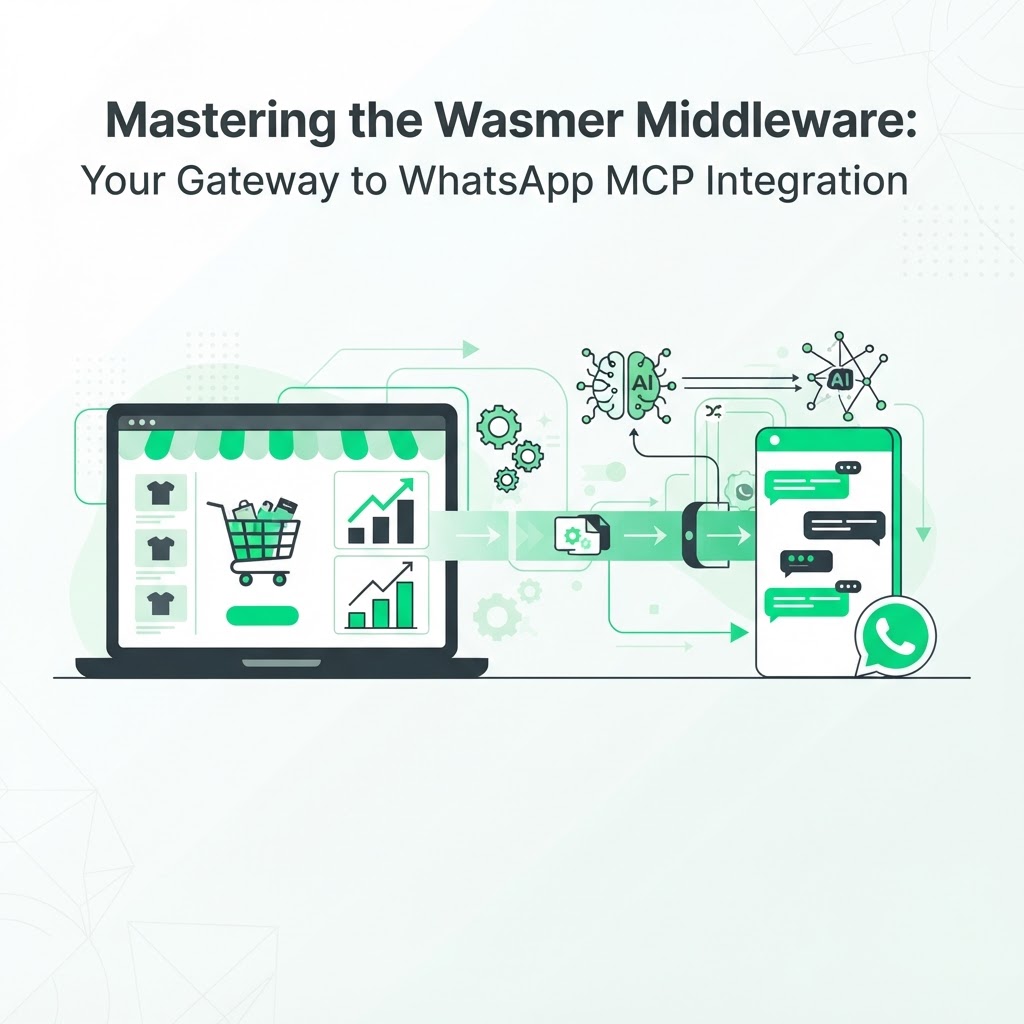
The integration of AI agents into messaging platforms like WhatsApp is the new frontier for e-commerce automation. However, building a seamless connection between a store's backend and an AI agent can be complex, especially when you need real-time inventory data, order status, and customer context flowing in both directions. Wasmer provides the critical middleware needed to bridge this gap using the Model Context Protocol (MCP), turning a simple chat interface into a reliable extension of your store's systems.
Why MCP Matters for WhatsApp Agents
Using an MCP server allows your AI agent to communicate reliably with your infrastructure instead of relying on brittle, custom-built integrations for every data source. Whether you are managing inventory, automating customer support, or triggering cart recovery flows, a standardized protocol ensures that your agent understands the context of your store's data every time a conversation happens.
Without MCP, developers typically end up writing one-off scripts to connect WhatsApp to Shopify, WooCommerce, order databases, and payment gateways. Each new data source becomes another point of failure. MCP solves this by defining a consistent way for an AI model to request and receive structured information, regardless of where that information actually lives.
This matters most in WhatsApp automation because conversations happen in real time. A customer asking "where is my order" or "do you have this in a size M" expects an instant, accurate answer — not a generic reply that ignores their actual account or inventory status.
Technical Implementation Overview
Getting a WhatsApp MCP integration running with Wasmer middleware follows a predictable path. The goal is to connect your messaging layer to your store's data layer without exposing sensitive credentials or building fragile custom code.
- Set up your environment. Ensure your WhatsApp Business API is connected to the Wasmer middleware, and confirm that authentication tokens and webhooks are correctly configured on both ends.
- Configure the server. Map your store's inventory, order management, and customer data functions to the MCP structure so the agent knows exactly which endpoints to query for each type of request.
- Define tool boundaries. Decide which actions the agent can take autonomously (checking stock, sharing tracking links) versus which require human escalation (refunds, disputes).
- Test and deploy. Use a testing suite to confirm the agent correctly processes user inputs into actionable Shopify or WooCommerce commands before going live with real customers.
Common Pitfalls to Avoid
A few recurring issues slow down otherwise solid WhatsApp MCP projects:
- Mapping too many store functions at once instead of starting with high-value flows like order status and cart recovery.
- Skipping sandbox testing and deploying directly to production traffic.
- Failing to version-control the MCP server configuration, which makes rollbacks difficult after a bad update.
- Ignoring rate limits on the WhatsApp Business API, which can throttle message delivery during traffic spikes.
Addressing these early keeps the integration stable as conversation volume grows.
Scaling Your Automation
With the right middleware in place, you can move from simple FAQ bots to intelligent store agents capable of handling complex order queries, product recommendations, and proactive cart recovery messages. This level of automation significantly reduces the burden on your support team while improving customer satisfaction, because customers get accurate answers in the same channel they already use daily.
Scaling well means thinking beyond the initial setup. As your catalog grows or you add new sales channels, your MCP mappings need to evolve too. Treat your middleware configuration as living infrastructure, not a one-time setup task.
Teams that successfully scale their WhatsApp automation tend to:
- Review conversation logs regularly to spot gaps in the agent's knowledge base.
- Incrementally expand the agent's permissions as confidence in its accuracy grows.
- Keep a clear separation between automated responses and human handoff triggers.
- Monitor message delivery and response latency as conversation volume increases.
If you want a broader view of how this fits into store-wide automation, the AI store agent for WhatsApp shows how a fully built agent handles customer questions without custom middleware work, which is useful context before deciding how much you want to build versus adopt.
Connecting MCP to Revenue Recovery
Middleware is not just about support tickets — it is also the foundation for recovering lost sales. When your AI agent has reliable, structured access to cart and order data through MCP, it can send timely, personalized WhatsApp messages to customers who abandoned their checkout, referencing the exact items left behind.
This is where technical infrastructure directly connects to revenue. A well-configured MCP server means the recovery message is not a generic "come back" nudge, but a contextual follow-up that mentions the specific product, price, and stock status. For a closer look at how this recovery flow works end to end, the CartKeeper AI product overview walks through the full process from abandoned cart to recovered sale.
Pairing Middleware With Marketing Data
A WhatsApp agent built on solid MCP middleware performs best when it is informed by accurate marketing data, not just store inventory. Knowing which campaigns drive the carts that get abandoned helps you prioritize which flows to automate first and where to focus agent improvements.
Running an AI marketing audit across Google Ads, GA4, and Search Console before or alongside your middleware rollout can reveal which traffic sources produce the highest-value abandoned carts, so your WhatsApp agent's recovery logic targets the segments that matter most.
Get Started Today
Are you ready to build the next generation of AI-driven customer service? Starting with a narrow, well-tested MCP integration — order status and cart recovery first — gives you a stable foundation before expanding into more complex store agent behaviors. For more implementation guides and technical walkthroughs, visit the CartKeeper AI blog.
FAQ
What is the Model Context Protocol used for in WhatsApp automation?
MCP standardizes how an AI agent requests and receives data from your store's systems, such as inventory and order status, so it can respond accurately inside a WhatsApp conversation.
Do I need developer resources to set up Wasmer middleware?
Yes, initial setup involves configuring webhooks, authentication, and server mappings, so some developer involvement is needed, though the process becomes more templated as common flows like cart recovery are standardized.
Can WhatsApp MCP integration work with both Shopify and WooCommerce?
Yes, the middleware approach is platform-agnostic as long as the respective store's API exposes the inventory and order data your MCP server needs to map.
Ready to put your WhatsApp automation to work recovering lost sales instead of just answering questions? Visit CartKeeper AI to see how AI agents turn abandoned carts into completed orders.