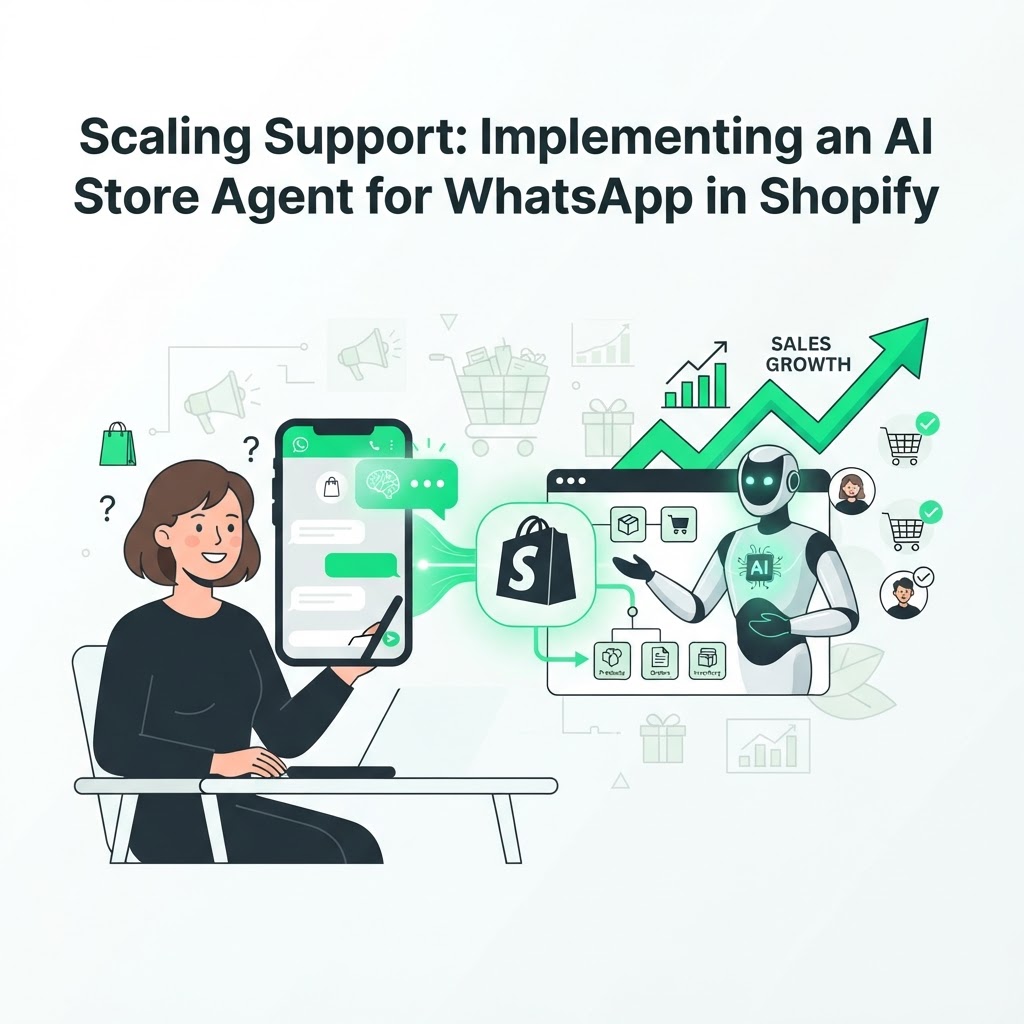
Scaling Support: Implementing an AI Store Agent for WhatsApp in Shopify
Shopify store owners know the pattern well: a question comes in at 11 p.m. about order status, another at 7 a.m. asking if a product is back in stock, and by the time someone replies, the customer has already moved on. An AI store agent for WhatsApp in Shopify closes that gap by answering instantly, around the clock, without adding headcount. This guide breaks down why WhatsApp is the right channel, what the agent should actually do, and how to roll it out without disrupting your existing support flow.
Why WhatsApp for Shopify Automation?
WhatsApp has a far higher open and read rate than email, and customers already use it daily for personal conversations, so they expect quick, informal replies rather than ticket numbers and auto-responders. When you connect an AI agent to WhatsApp, you're not just automating canned replies — you're placing a knowledgeable assistant inside the channel shoppers check most.
For Shopify stores specifically, this matters because purchase intent is often time-sensitive. A customer asking "is this still in stock in my size?" five minutes after adding to cart needs an answer now, not after a support agent logs in the next morning.
What an AI Store Agent Should Actually Do
Not all WhatsApp bots are equal. A basic keyword-matching bot can confirm business hours; a true AI store agent connects to your store's live data and reasons through a conversation. At minimum, it should be able to:
- Look up order status and shipping updates by pulling directly from Shopify, not a static script
- Check real-time inventory before promising availability
- Recommend products based on what the customer is asking or has browsed
- Answer policy questions (returns, shipping cost, delivery windows) using your actual store settings
- Escalate to a human when the conversation needs judgment calls, like a refund dispute
A tool like CartKeeper's StoreAgent is built specifically for this: it answers customers on WhatsApp using live Shopify data instead of a pre-written script, so the responses stay accurate even as stock levels and order statuses change.
Key Benefits of an AI-Powered Assistant
The business case goes beyond convenience. Here's what store owners typically gain once the agent is live:
- Instant order management. Customers get order status without opening a ticket or waiting for a reply, which reduces "where is my order" volume hitting your inbox.
- Accurate inventory answers. Because the agent queries your store directly, it never tells a customer something is in stock when it isn't — a common failure point with static chatbots.
- Lower cart abandonment. Many abandoned carts happen because of an unanswered question, not lack of interest. Resolving that question in real time, over the same channel the customer already trusts, turns hesitation back into a sale.
- Lower support cost per conversation. Repetitive questions — sizing, shipping times, order tracking — get handled automatically, freeing your team for complex or high-value interactions.
- Consistent tone, every time. Unlike a rotating team of support staff, the agent applies the same policies and tone on every chat, which matters for brand consistency at scale.
How It Works: The Integration Path
Connecting an AI agent to WhatsApp and Shopify is less complicated than most store owners assume, but it does require a few deliberate steps rather than a one-click install.
The Technical Bridge
The agent needs two things to function well: access to the WhatsApp Business API (to send and receive messages) and access to your Shopify store's data (orders, inventory, product catalog). A middleware layer typically sits between these two systems, translating WhatsApp messages into store queries and formatting store data back into conversational replies.
For developers building or customizing this themselves, Wasmer's WhatsApp MCP middleware handles that translation layer, so you're not writing a custom integration from scratch for every store you manage.
Setup Steps
- Connect your Shopify store so the agent can read live order, inventory and customer data.
- Register or link your WhatsApp Business number through the WhatsApp API.
- Define escalation rules — which conversations go to a human, and when.
- Set your store policies (returns, shipping, promotions) so the agent answers consistently with your actual terms.
- Test with real order scenarios before opening the channel to all customers.
Most of this setup happens once; after that, the agent pulls fresh data automatically without manual updates.
Measuring Whether It's Working
Once live, track a few concrete signals rather than vanity metrics:
- Response time to first customer message
- Percentage of conversations resolved without human handoff
- Recovered carts that originated from a WhatsApp conversation
- Repeat question topics, which often reveal gaps in your store's FAQ or policy pages
If you're also running paid traffic, pairing this with an AI marketing audit of your Google Ads, GA4 and Search Console data can show whether the traffic you're paying for is actually the traffic your WhatsApp agent is converting — closing the loop between acquisition and support.
Avoiding Common Pitfalls
A few mistakes show up repeatedly when stores roll this out too quickly:
- Launching without escalation rules. If the agent doesn't know when to hand off to a human, frustrated customers get stuck in a loop.
- Letting product data go stale. If the agent isn't actually querying live Shopify inventory, it will eventually promise stock that doesn't exist.
- Ignoring tone. WhatsApp is a conversational, informal channel — responses that read like corporate email templates feel out of place and reduce trust.
- Treating it as "set and forget." Review transcripts periodically to catch repeated confusion points and refine the agent's instructions.
FAQ
Does an AI store agent replace human customer support entirely?
No. It handles repetitive, data-driven questions — order status, stock checks, policy lookups — and escalates anything requiring judgment, empathy, or a decision outside its rules to a human.
Will customers know they're talking to an AI?
Best practice is transparency: identify the assistant as AI-powered at the start of the conversation. Most customers are comfortable with this as long as they get a fast, accurate answer and can reach a human when needed.
How long does it take to set up WhatsApp automation for a Shopify store?
Technical setup — connecting Shopify, linking the WhatsApp Business number, and defining policies — can often be completed within days. The ongoing work is refining responses based on real customer conversations over the first few weeks.
Ready to stop losing sales to unanswered questions? Explore how CartKeeper can set up your AI store agent and recover abandoned carts over WhatsApp.